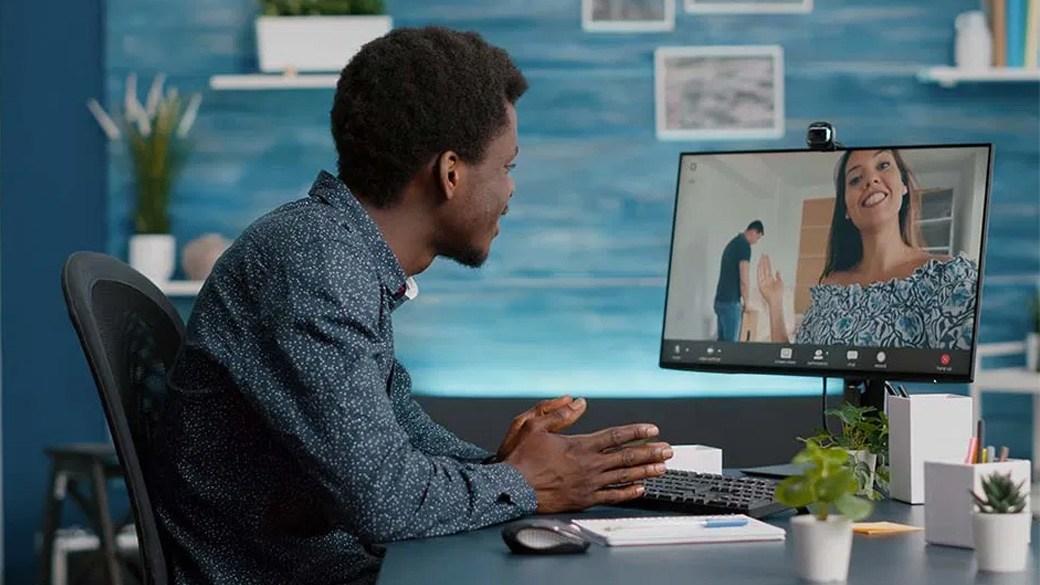

Which webcams are best?
If you work from home, a reliable webcam is more important than ever. Some people may need a webcam for virtual meetings or online classes, while others may want a high-definition video stream for security purposes.
The Logitech BRIO Ultra HD Webcam is the top pick for versatility and overall performance, but with so many options available, it’s a good idea to know what’s out there before you make a final decision.
What to know before you buy a webcam
Integrated vs. stand-alone
Many newer laptops and tablets come with webcams embedded in their display monitors. This type of integrated webcam does not require cables, and any necessary software or drivers come preinstalled on the device. While these webcams are usually powerful enough for simple meetings, users who need additional features or a higher resolution should opt for a stand-alone camera.
Security webcams
As the name suggests, you can use security webcams to protect your home or office. Often integrated into a smart-home system, these cameras are connected to Wi-Fi and placed throughout the home. They use motion-sensor technology to record video as soon as movement is detected in the camera’s range. Since they’re connected to your wireless network, you can access the footage from any location, using your smartphone.
Resolution
Resolution describes a webcam’s image quality. A high-resolution camera delivers clear, detailed images while a low-resolution device may have fuzzy or pixelated video.
Keep in mind that a camera is only as powerful as its network. Even an expensive, high-end webcam with high resolution will underperform if your internet connection is poor.
Commonly used terms
- Frame rate: This is the number of individual images that can be captured per second in a video stream.
- HD: Also known as high definition, an HD webcam records video at a 16:9 aspect ratio and ranges in resolution from 720p to 1080p.
- Image sensor: Acting as the camera’s brain, the image sensor is a silicon chip that determines the resolution and turns the image into a digital video stream.
- Hacking: Some hackers can use the internet to remotely control your webcam without your permission. A common DIY fix is to place a strip of tape over your camera’s lens or unplug the device when it’s not in use.
What to look for in a quality webcam
Lens
A high-quality lens produces crisp and clear video with a webcam. Plastic lenses may be affordable but glass is more durable and produces better-quality images.
Microphones
Many webcam models have built-in microphones. These are convenient but typically provide reduced audio quality. If you opt for one of these microphones, review the technical specifications for details such as noise cancellation or a dual microphone system. You can also invest in an external microphone for enhanced audio control and improved sound quality.
Cables
Most stand-alone webcams run through a USB or HDMI connection, so make sure your computer or tablet has the necessary ports before purchasing.
Apps and compatibility
Most users need to access apps like Skype or Zoom to attend virtual meetings or classes. When picking out a webcam, make sure it’s compatible with popular apps as well as operating systems such as Windows, Mac OS and Chrome OS.
How much you can expect to spend on a webcam
A simple, low-resolution webcam can be less than $20 while a versatile, high-end model can cost up to $200.
Webcam FAQ
How can I avoid webcam hacking?
A. Since hackers can only access your webcam through the internet, either unplug your device or cover the camera when it’s not in use. Keep your antivirus software up to date.
Do I need a webcam to use Skype or Zoom?
A. Applications such as Skype and Zoom can record a voice call without accompanying video, but showing your face is a great way to make a connection with someone during a meeting or interview.
What’s the best webcam to buy?
Top webcam
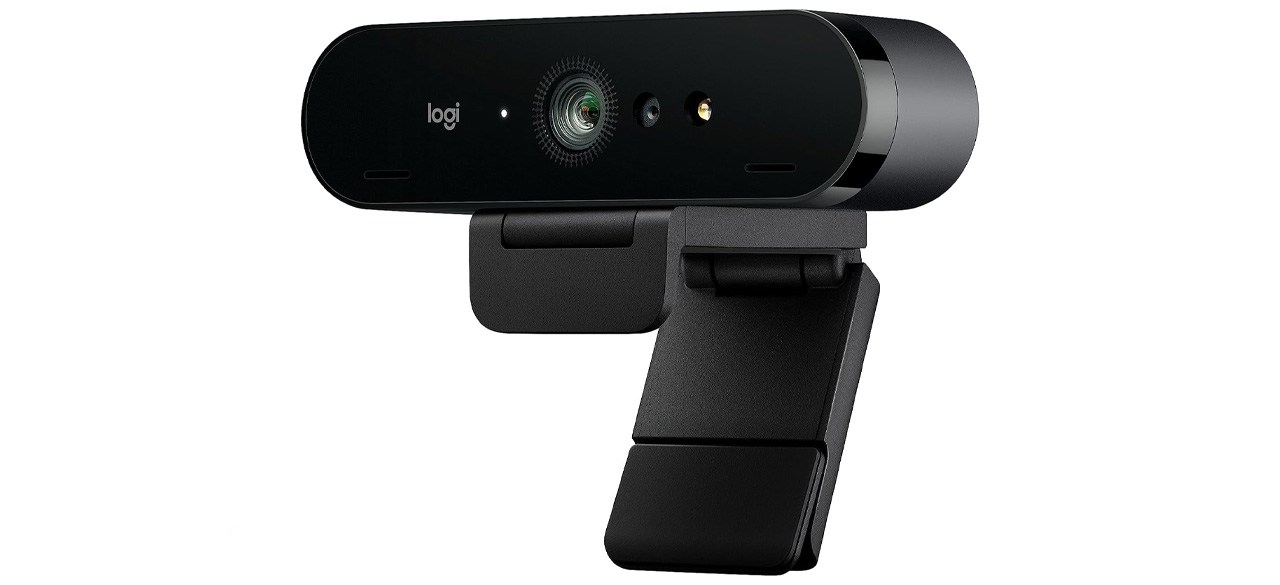
What you need to know: This versatile, premium webcam is designed for business settings.
What you’ll love: This Logitech camera uses a high-quality glass lens, a 4K image sensor and autofocus to deliver crystal-clear video. Automatic light adjustments are great for glare, while facial recognition makes logging on easy.
What you should consider: This webcam is a bit pricier than most models and it’s not perfectly compatible with Mac.
Top webcam for the money
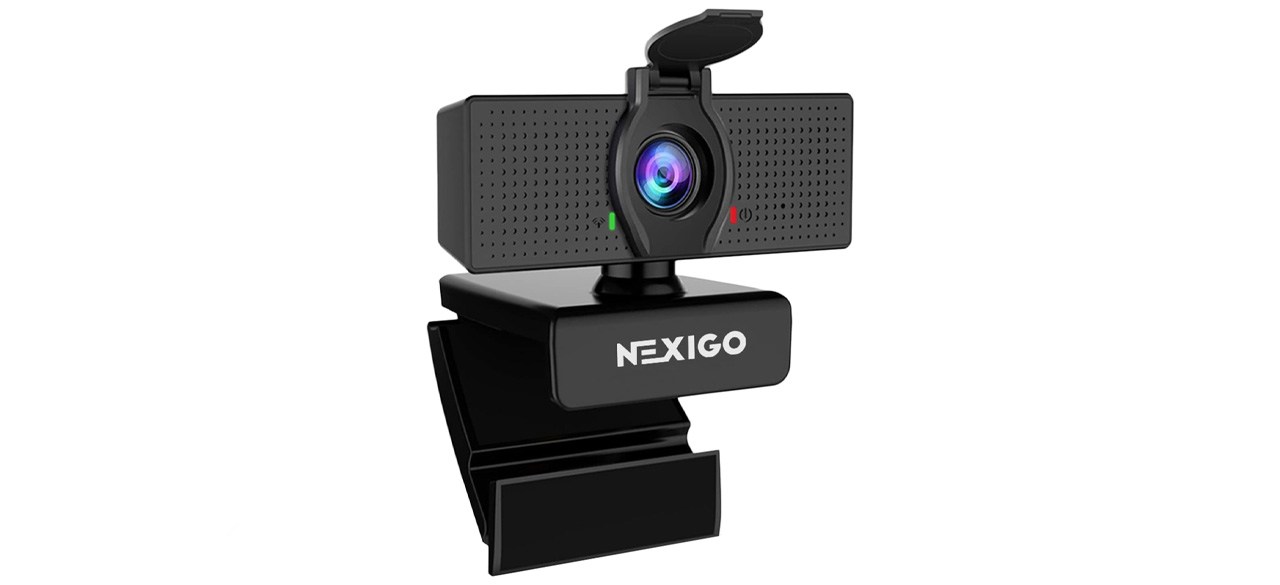
What you need to know: This solid, affordable webcam comes with a glass lens and security cover to discourage hackers.
What you’ll love: This camera has a lot of premium features for a low price, including 1080p HD resolution and a noise-cancelling microphone. The glass lens provides a wide 110-degree field of vision and is easily rotated.
What you should consider: This camera doesn’t have an autofocus feature, which can be frustrating for some users.
Top security webcam
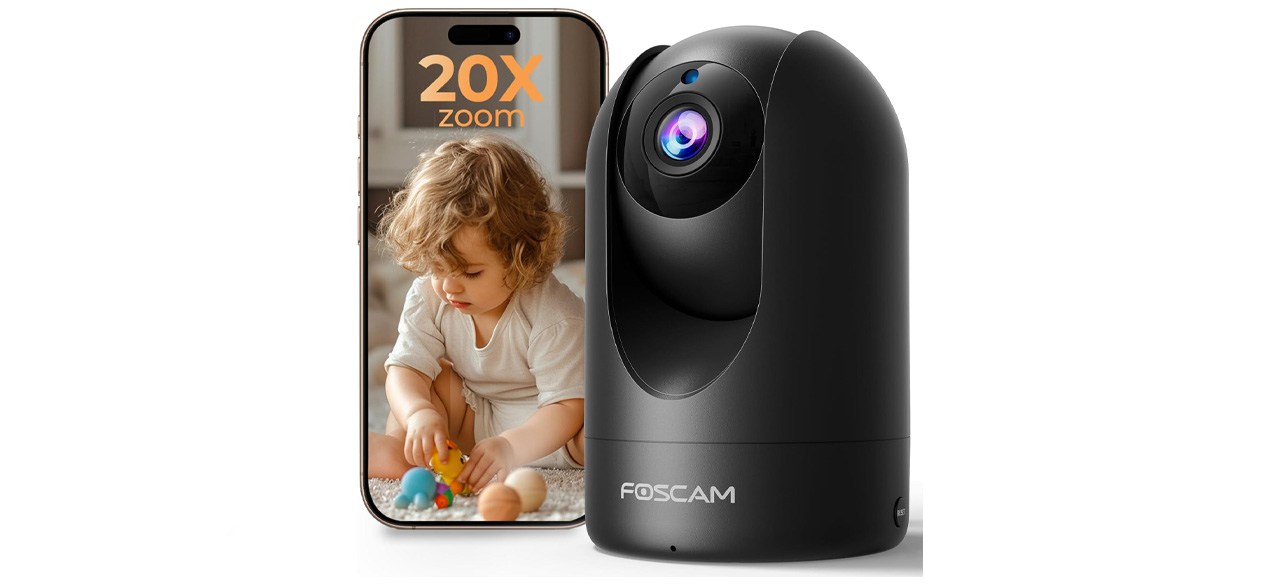
What you need to know: This home security camera is compatible with Alexa and Google Assistant.
What you’ll love: This fast, reliable security camera works as a great baby monitor or pet-watching device. The webcam is intelligently programmed to avoid false alarms. It also comes with features including night vision, horizontal and vertical rotation, 1080p resolution and 4X digital zoom.
What you should consider: Some users found this camera had an overly complicated setup, while others had issues saving their footage as video files.
Prices listed reflect time and date of publication and are subject to change.
Check out our Daily Deals for the best products at the best prices and sign up here to receive the BestReviews weekly newsletter full of shopping inspo and sales.
BestReviews spends thousands of hours researching, analyzing and testing products to recommend the best picks for most consumers. BestReviews and its newspaper partners may earn a commission if you purchase a product through one of our links.
Distributed by Tribune Content Agency, LLC.